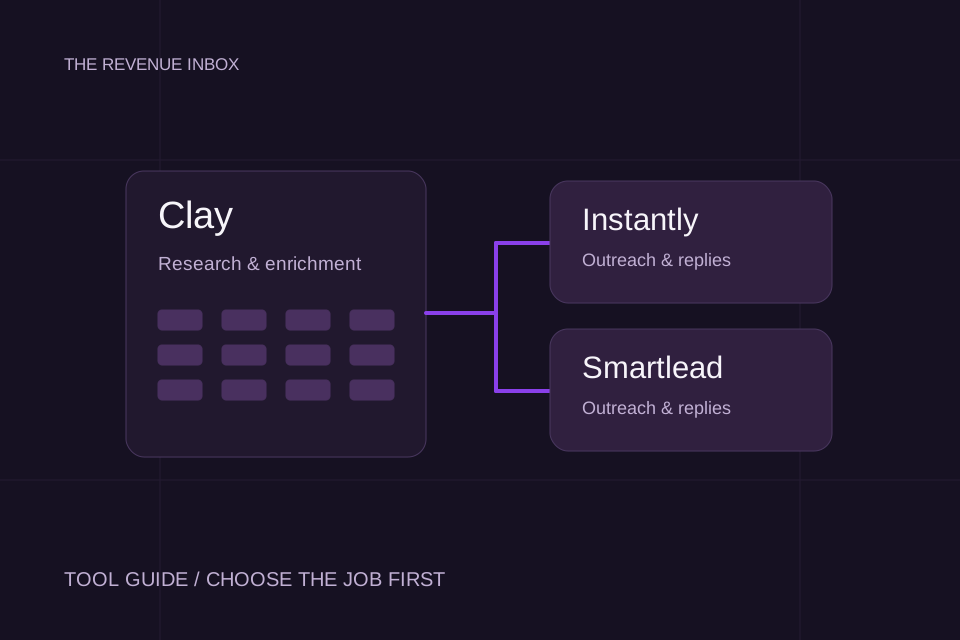
Clay, Instantly and Smartlead overlap, but they are not interchangeable purchases. Start with the missing job: researching and enriching accounts, running outreach, or managing the replies. Then compare how each product fits your process.
This is a guide based on official documentation, not a claim that we tested the same campaign across all three. It does not rank inbox placement or invent a winner on reply rate.
The short answer: start with the missing job
Swipe to see all columns.
| Your immediate problem | Start by evaluating | What to confirm |
|---|---|---|
| Your account list lacks the context needed to qualify and personalize | Clay | Data coverage, enrichment cost and whether the research answers a useful question |
| You need to run email campaigns and manage responses | Instantly or Smartlead | Campaign controls, reply workflow, integrations and the package you actually need |
| You have good research but a manual handoff into outreach | Clay plus your chosen sending workflow | Field mapping, duplicate handling and what happens when a record changes |
| You have no clear ICP or offer | Define those first | No subscription supplies proof that the market wants your offer |
These are starting points, not exclusive product boundaries. Instantly also offers data and CRM products. Clay describes a broader revenue-workflow platform. Evaluate the current feature set rather than relying on an old category label.
Clay: turn account research into usable fields
Clay is worth evaluating when the hard part is assembling context and making a repeatable qualification decision. The output you need is not a larger spreadsheet. It is an account record the campaign can use.
For example, define fields for the company website, relevant role, evidence URL, fit decision, exclusion reason and verified contact details. That is a suggested record structure, not a claim that every field will be available from one provider.
Before automating, review a small sample yourself. If the evidence does not support the fit decision, change the research question. Faster enrichment of the wrong accounts still gives you the wrong list.
Instantly: evaluate the campaign and reply workflow
Instantly presents outreach alongside lead intelligence, verification and CRM products. Compare the combination you need, rather than assuming everything on the website is included in one subscription.
Clay's Instantly integration documentation describes adding a lead to a campaign and an optional workspace duplicate check. That handoff deserves a test: confirm the correct campaign receives the right fields and an existing record is handled the way you intended.
Write down who reviews responses, how the next action is assigned and how you will export the campaign record. The quality of that operating process matters after the first message has been sent.
Smartlead: evaluate sending and shared reply operations
Smartlead presents campaign sequencing and a shared inbox among its products. If several people work on replies, evaluate the day-to-day handoff rather than choosing from a feature count.
Clay's Smartlead integration requires an existing campaign. Its documentation also distinguishes the Smartlead lead ID from the row ID in Clay. Those details matter when you update or remove a contact.
Test the integration with a controlled record before a larger import. A successful API response is not enough; inspect the destination campaign and the resulting contact record.
Use one trial scorecard for the shortlist
Run the same controlled exercise in each product you are considering. Use contacts you control or an appropriate test environment, rather than sending duplicate cold campaigns to the same prospects.
- Import a record. Check that the expected fields arrive without truncation or swapped values.
- Repeat the import. Confirm duplicate behavior instead of assuming it.
- Preview the message. Inspect the rendered merge fields and sender identity.
- Send a test reply. Follow assignment, notifications and follow-up behavior.
- Test suppression. Confirm an opted-out contact cannot quietly re-enter through another import.
- Export the result. Check that the data you need for reporting is available.
- Write the operating cost. Include the subscriptions, data, mailboxes and human time your chosen workflow needs.
Score each item as “works,” “needs a workaround” or “not confirmed.” Add a screenshot or note as evidence. This turns a demo into a decision your team can inspect.
Price the workflow, not a headline subscription
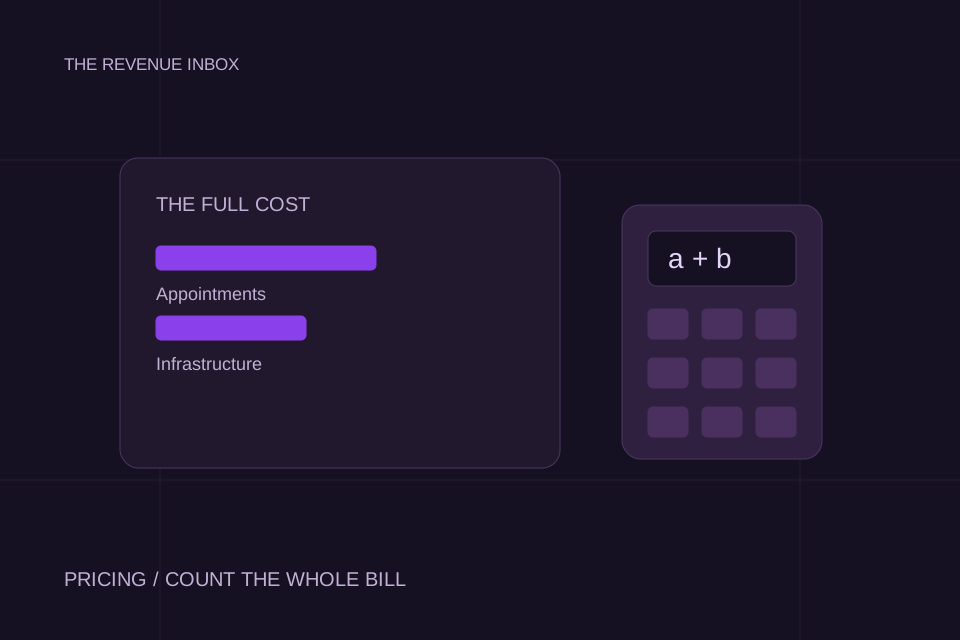
Do not compare a data product's entry plan with a sending platform's entry plan as if they buy the same output. List the components needed for your actual campaign and check current limits on the provider's pricing page before purchase.
Include the cost of someone maintaining the workflow. A cheap subscription can still need substantial research, setup and reply management. A more expensive package can include capabilities you do not need.
If you are comparing software with a done-for-you service, use the agency pricing guide to keep the scope separate. Software access and ownership of the campaign are different purchasing decisions.
Keep the work outside the tool visible
Someone still has to decide who belongs in the audience, write a credible offer, monitor the sending setup and handle interested responses. The Networked sales case shows the campaign work behind its reported result.
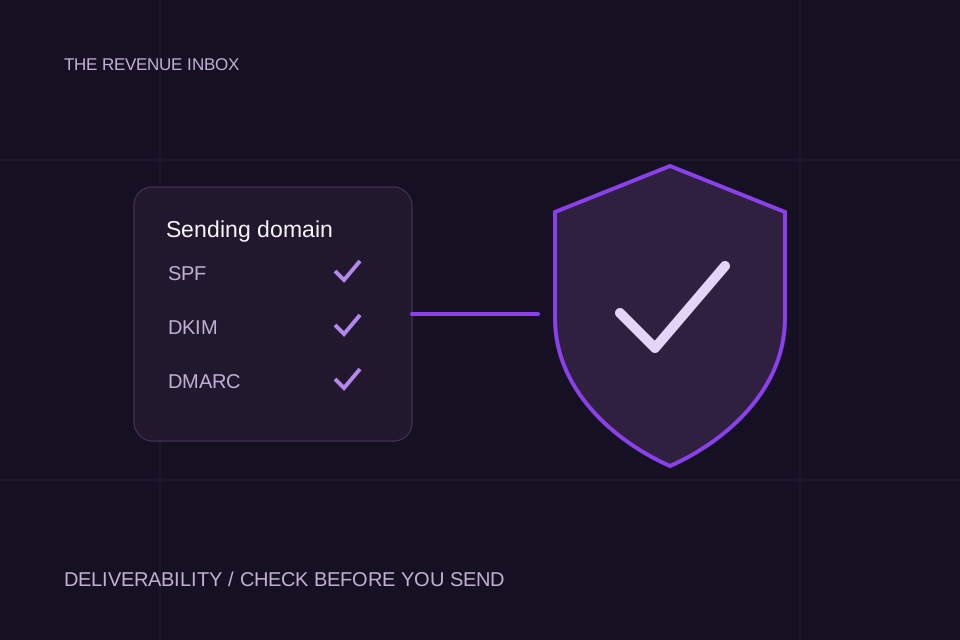
Before launching, run the deliverability checklist. Choose the smallest stack that completes the job and leaves a clear owner at every handoff. Add another tool when you can name the missing capability it will supply.
Sources and working
This is a documentation-based workflow comparison, not a hands-on performance test or a universal ranking. Official product pages and Clay integration documentation were checked on 16 October 2026. Features, limits and plan packaging can change. No claim of partnership or endorsement is made.